Channels
Turning Instagram DMs into paid orders
Learn practical steps to convert customer chats on Instagram into actual sales. From quick replies to managing stock and payments directly in the DM.
Ralfi5 min read
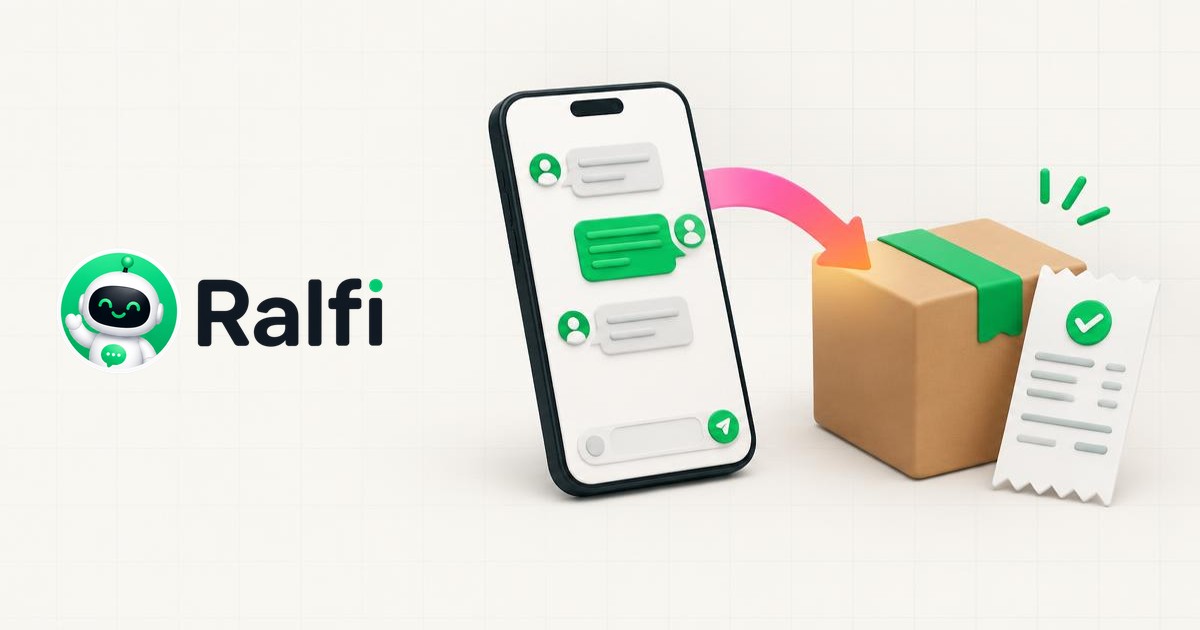
You get direct messages on Instagram. Customers ask about your products, sizes, and shipping. It is slow and manual work to turn these chats into paid orders. You answer the same questions over and over. You have to switch apps to check stock. Then you guide the customer to your website checkout, but many give up. This process costs you time and sales.
Organise your DMs
When your inbox is a mess, you can lose sales. First, you need to organise it. Instagram has some basic tools for Business accounts. You can use the "Primary" and "General" tabs to separate conversations. You can also filter messages to see unread or flagged ones first.
For more structure, use labels. You can create labels like "New enquiry", "Stock check needed", "Payment pending", and "Order complete". This shows you the status of each chat so you know what to do next.
Reply quickly
On social media, you need to be fast. If a customer waits hours for a reply, they might buy from someone else. You should reply to every message quickly.
For common questions, you can use Instagram's "Saved Replies". This feature lets you create message templates.
- "Hi [customer name], thanks for your message. How can I help?"
- "We ship across the UK for a flat rate of £4.99. Orders arrive in 3-5 working days. Our full shipping policy is here: [link]."
- "We have a 30-day return policy for unworn items with tags. Let us know if you want to start a return."
Saved replies save you time. But you should still personalise them. Use the customer's name and mention their specific question. This shows you are reading their message.
Checking stock and sending the customer to the product
A customer asks if you have a dress in a size 12. You have to leave Instagram to check. You open your Shopify or WooCommerce admin, find the product, and check the stock for that size. Then you go back to Instagram with the answer. This delay can make the customer lose interest.
If the item is in stock, you send them a link to the product page. This is better than just saying "yes". But it still creates problems. The customer has to leave Instagram, go to your website, choose their size, add to cart, and go to checkout. Then they fill in all their personal and payment details to buy. With so many steps, many customers will not finish the purchase.
Selling directly in the chat
Some shops handle the whole sale inside the chat. This avoids sending the customer to the website. But the manual way has major problems.
Here is how it often works:
- You confirm the size and colour are in stock.
- You calculate the total price with shipping.
- You ask the customer for their name, address, and email in the chat.
- You send your bank details for a transfer.
- You wait for the customer to pay and send proof.
- You then manually create the order in your e-commerce system.
- You also have to manually update the stock level.
This process takes a lot of time and can lead to mistakes. A typo in the address means a lost package. If two people try to buy the last item at the same time, one on your site and one in DMs, you can sell it twice. This system does not work as your business grows.
Automating the sales process
You can use tools to handle sales inside Instagram DMs automatically. These tools connect your e-commerce store to your chats.
Here is how that works:
- An assistant answers common questions about shipping or returns, any time of day.
- When a customer asks about a product, the assistant searches your live product catalogue. It checks the real-time stock and gives correct information on sizes, colours, and price.
- The assistant can add items to a shopping basket for the customer inside the chat.
- When the customer is ready to buy, the assistant creates a secure payment link or a draft order in your Shopify or WooCommerce store. The customer pays with the link, and the order is created in your system automatically.
This process means no more manual data entry and no more stock mistakes.
Using an assistant for Instagram sales
The manual way of selling in DMs is hard to manage when you have many orders. You need to respond quickly and make it easy for people to buy.
An assistant like Ralfi can manage these sales for you. Ralfi connects to your store. It answers customer questions in your DMs, checks your live stock, and creates paid orders. This saves you time so you can run your business.